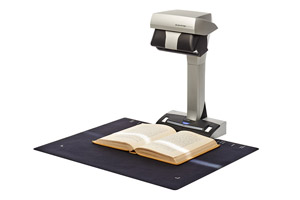
At the end of 2013, I purchased the Fujitsu ScanSnap SV600 contactless scanner. I blogged here about how intrigued I was by a scanner that scans from above and doesn’t need to touch the (potentially delicate) items being scanned.
It arrived, I set it up without much difficulty and almost immediately I hit a trouble spot. The first things I tried to scan had curled edges. First, there was the letter that my grandfather had written my grandmother. It had been stored for 87 years in the envelope in which it was mailed At 36 pages, the letter didn’t lie flat in the envelope, so the folds were rounded. I had hoped I could flatten the image with the included software, but gave up pretty quickly.
Here’s t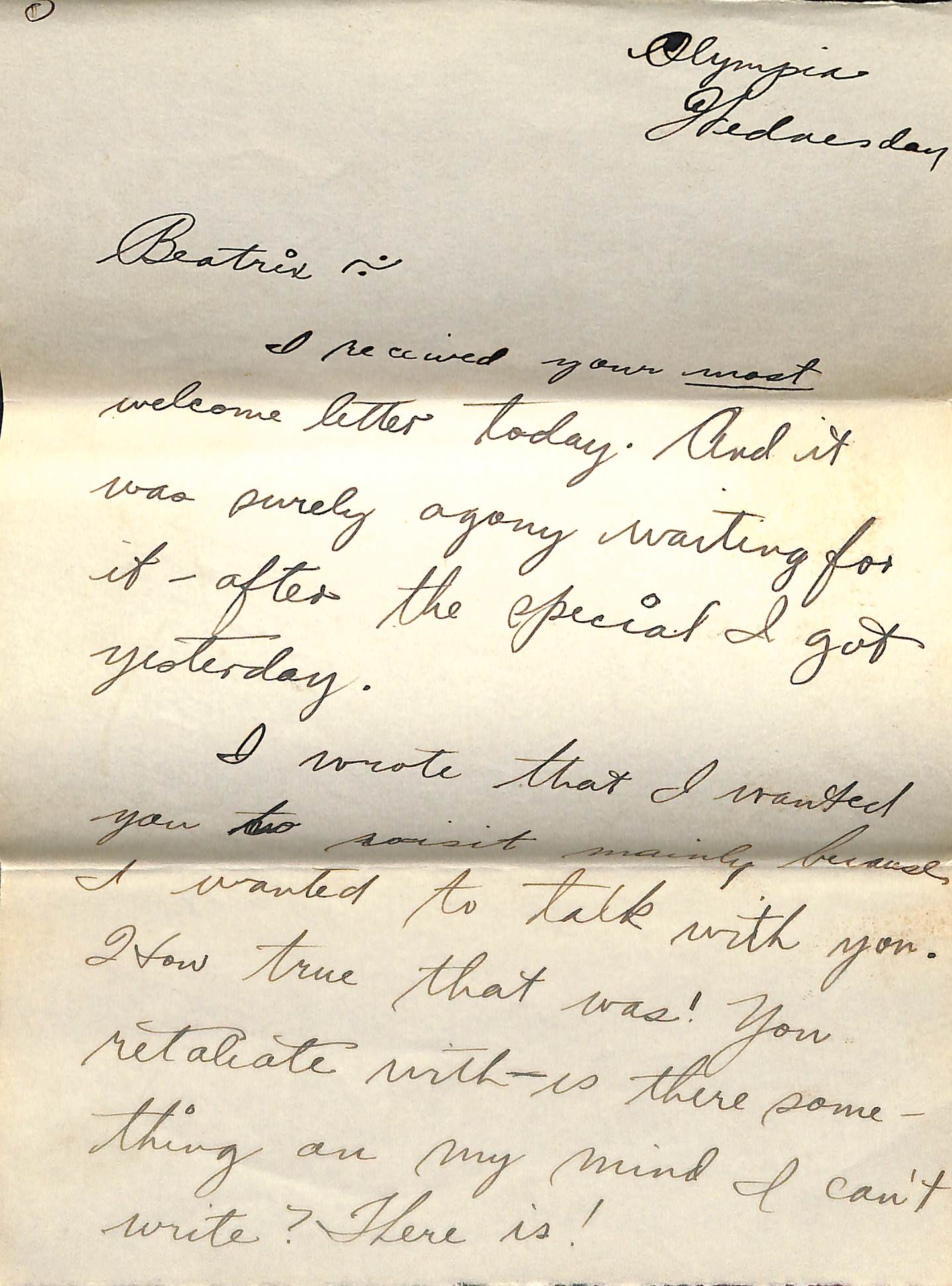 he first page of that letter. While it’s legible, the folds and curves troubled me. And it took several tries to get it to look that good.
I found myself really disappointed and even looked into returning it. But I’d waited too long and it was after the 30-day deadline imposed by the seller.
That was actually a blessing in disguise, because when I was at RootsTech in February, I had the opportunity to talk with a Fujitsu representative who gave me a great idea: Buy a piece of non-glare glass to put over the objects I want to scan that have curled edges.
It took me awhile to get that done, but in the meantime I started appreciating how great the scanner is for non-curled documents and photographs. I just lay them down on the mat and push a button. (I can even do more than one item at a pass and they’ll be saved into separate documents) The process is quite simple and I don’t have to worry about damaging the photo by putting it through my sheet-fed ScanSnap S1500M (a precursor to the current iX500). I don’t have a flat-bed scanner.
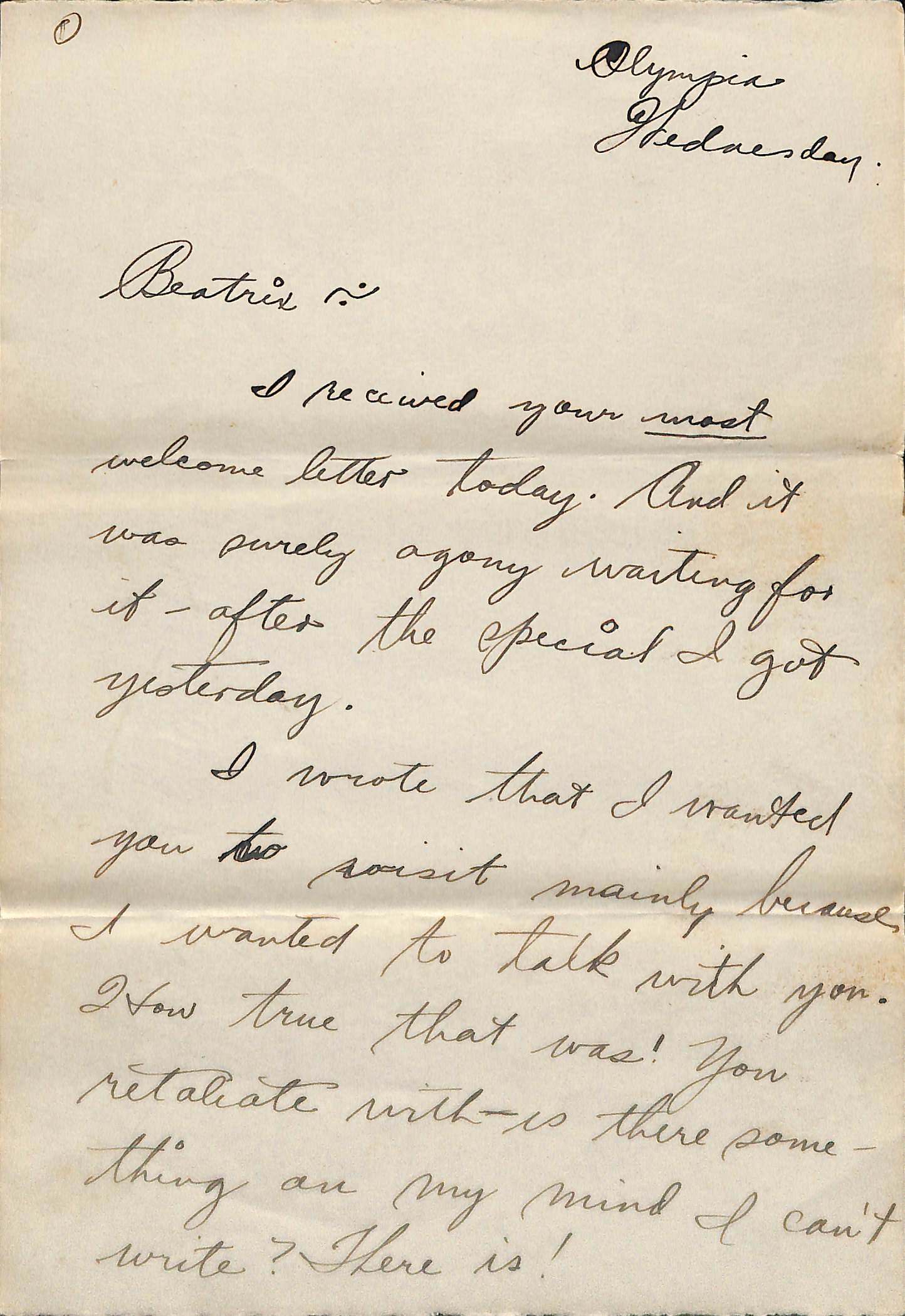 I finally got around to buying the non-glare glass and that idea turned out to be a stroke of genius. Here’s the first page of the letter scanned through the piece of glass. It’s not perfect–the folds are still visible and a would take a little bit of effort to lift the glass for multi-page documents. But the pesky curvature is gone and the light is uniform. It’s a simple, low-cost (under $20) solution.
I love my sheet-fed scanner, which is very fast and will scan both sides of the page simultaneously. But for delicate items and for books or magazines that can be scanned without pushing down on their spine, the SV600 is pretty swell. I haven’t experimented with scanning books yet, but for magazines, I’ve seen that it does a nice job of flattening the image so that the pages don’t slant toward the middle of a double-page spread.
I don’t know that I will use it as much as I anticipated when I purchased it–it’s unclear that my needs merit the $600 price tag. But now that I have it, I’m looking forward to getting to know it better (and appreciate it more). I know it will come in handy.
Now that I think about it, a Flip-Pal mobile scanner might have served much the same function, at much lower price point–and had the advantage of being portable. I’m tempted to purchase a Flip-Pal one of these days. (I’m turning into a scanner collector!) If so, I’ll be interested to see when I choose to use which scanner. And I’ll report here, if you’re interested too.
 I’m not a big early adopter of technology. Well, I did have an original iPad, but I didn’t get my iPhone until the 4S.