• BLOG
  • ABOUT
    • Privacy Policy
  • CONTACT

Organize Your Family History

Stay focused and happy while exploring your roots

FamilySearch has finished digitizing its microfilm holdings!

September 21, 2021 By Janine Adams 4 Comments


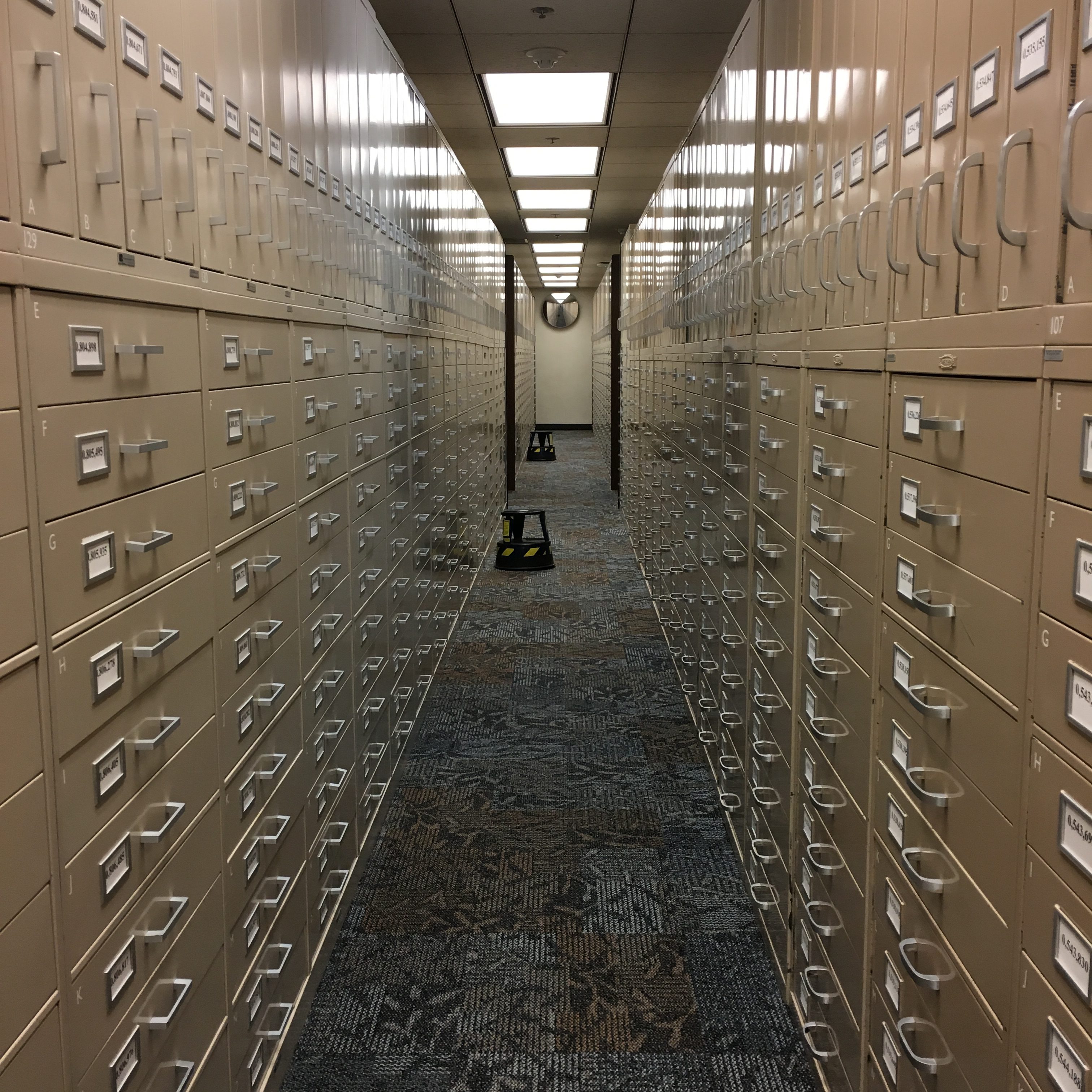
Rows and rows of microfilm storage at the Family History Library

FamilySearch announced today that it has completed its massive project to digitize its microfilm holdings. A staggering 2.4 million rolls of microfilm have been digitized.  The project, which began in 1998, was anticipated to take 50 years. Thanks to the development of faster technology, the timeline was shortened by 27 years. Amazing.

FamilySearch’s archive is freely available to anyone with an internet connection and a free account. This digital archive contains information 11.5 billion individuals in over 200 countries.

According to this informative FamilySearch press release about the achievement, “To explore FamilySearch’s free collections of indexed records and images, go to FamilySearch.org and search both ‘Records’ and ‘Images’. The Images feature enables users to peruse digitized images from the microfilm collection and more. A free FamilySearch account will be required to access the service.” I’ll add that I find a lot of digitized images by searching the Catalog by location.

FamilySearch began microfilming documents in 1938. In the past, duplicates of the microfilms were lent to researchers through local Family History Centers, which was much more convenient than having to travel to see them at the Family History Library. In 2017, FamilySearch ended that program when it began to transition to all-online access. It couldn’t be more convenient. (The microfilm collection will be preserved.)

Today’s freely available archive has been in the works for 83 years now. Modern genealogists are the beneficiaries!

Check out this video describing the achievement:
Filed Under: Excitement, Genealogy tips, Technology Tagged With: excitement, family search, genealogy tools, research, resources

How do you back up your data?

July 23, 2021 By Janine Adams 12 Comments

If you embrace digital organization of your genealogy documents, like I do, you know that backing up your data is absolutely essential.

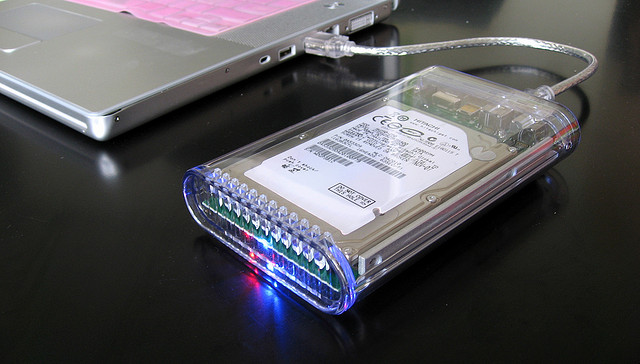
I like to store my genealogy files on my MacBook Pro’s hard drive, rather than in the cloud. I back up my hard drive to an external hard drive using Time Machine. When my laptop is at my desk (where I use a 27-inch external monitor and wireless keyboard and mouse), the external drive is automatically connected when I attach my monitor. (My monitor, an HP Business Z27 , acts as a hub.) So as long as my laptop is not away from my desk, I’m backing up to the external hard drive hourly.

In addition, I subscribe to Backblaze for $60 a year. (That’s an affiliate link that I think gives us each a free month if you click on it and subscribe.) It’s set to back up over the internet continuously. So far, I haven’t experienced a hard drive crash, but I did experience a battery situation that meant that I couldn’t access my computer for a couple of weeks. I was able to identify an important file on Backblaze and download it to my phone, which saved the day. (It was my father’s 90th-birthday video!)

I also attach my genealogy documents as multimedia files to source records in Reunion, my family tree software. My Reunion files are stored in Dropbox so that they are also available on my phone. So I think that’s a third way my genealogy files are protected.

I’m curious: How do you back up your data? Please let me know in the comments. Seven years ago, I wrote a similar post to this one (and I even used the same photo). My back-up system hasn’t changed since then (beyond switching to Backblaze from CrashPlan Pro and getting a new external hard drive). I’ll be curious to see if your answers have changed! I feel good about what I’m doing, though I’m sure there is room for improvement.

Photo by Karen via Flickr. Used under Creative Commons License.

Filed Under: Challenges, Technology

Have you tried Collectionaire?

May 21, 2021 By Janine Adams 10 Comments

I had a question from a reader recently about Collectionaire, an online tool for sharing family history information and keepsake media. I have to admit I hadn’t heard of it but I checked it out and was intrigued.

It appears to act as a hub where each person has a collection linked to a family tree. A click on a person in your tree brings up their collection and all the information and media you  have for them. You can easily share the collection with family members by providing a link (and you have control over which privileges to offer them).

Here’s the video from their website:

You don’t store information on Collectionaire. Rather, the keepsake media is stored in whatever cloud-based app(s) you choose, and they’re brought together in Collectionaire.

There’s a free tier, as well as two other plans at $2.99 a month and $4.99 a month.

I’m traveling now, so I haven’t had the chance to explore it, but I thought I’d turn to the experts here. If you’ve tried Collectionaire, I’d love to hear about your experience, good or bad. It seems to have such potential!


Filed Under: Organizing, Technology Tagged With: genealogy tools, sharing

How to watch RootsTech Connect

February 26, 2021 By Janine Adams 10 Comments

As you may know, the 2021 all-virtual RootsTech conference (dubbed RootsTech Connect this year), is going on right now. I have not been able to watch much of it yet, despite it being on my calendar for months. But I have explored the website a little bit and I’m blown away with the learning opportunities.

The great news is that most of the sessions will be available to watch until next year’s RootsTech in March 2022 (which is scheduled to be held in person). You can watch as many sessions as you want now. They’re available on demand. Live keynotes are available on a schedule. My understanding is that the keynotes will be available to watch after the conference.

But there are features that are probably going to be available only during the conference (that is, through Saturday). They include:

  • Chat, where you can interact with like-minded genealogists
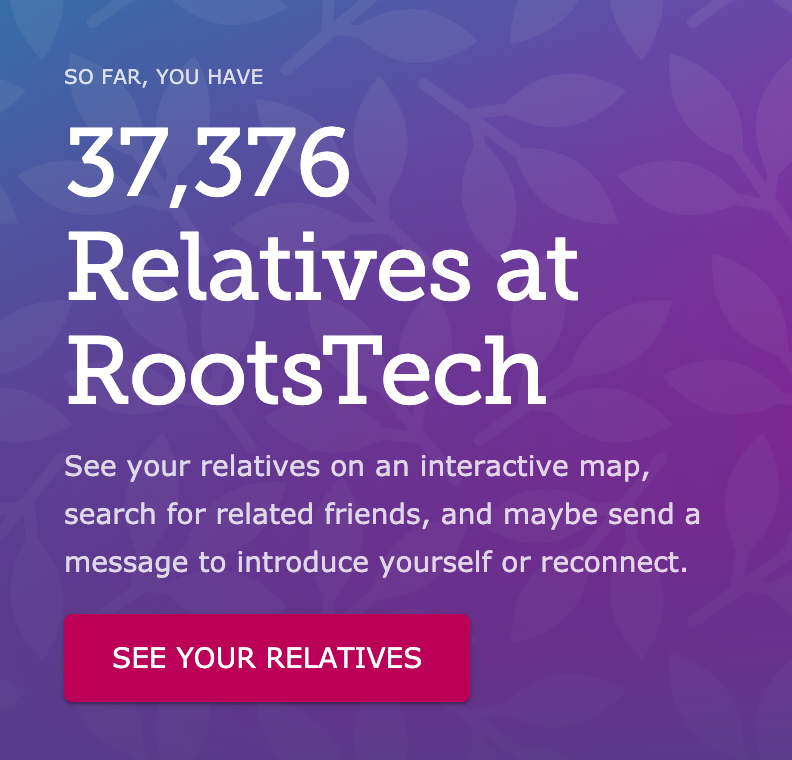
  • Relatives at RootsTech, where you can see how many people who are registered for the conference are related to you through the Family Search tree. So far, I have 37,376 relatives attending the conference! (A quick tip: I found that when I clicked on “See Your Relatives” using Safari, I got an error message. But it works just fine in Chrome and Firefox.)
  • Searching for your friends who are attending see how you might be related (my dear friend and podcast co-host, Shannon Wilkinson, and are 9th cousins once removed!)

(I don’t know for a fact that these will be going away after the conference, but I don’t want to take any chances.)

There are lots of ways to approach participating in RootsTech, but here’s what I suggest (and this is what I plan to do this weekend when I’ll have more time):

  1. Go to the Rootstech website.
  2. Login to your Family Search account (or create one if you don’t already have one).
  3. Click on Menu, then Relatives at RootsTech to find your relatives and see how you’re related. If you want, send relatives a message either by clicking on Send a Message under their name or through the little Connect box at the bottom of the home screen.
  4. Click on Guide Me for some suggestions on what you might want to watch or if you’re feeling confused, watch the Website Tutorial by clicking the button near the top of the screen.
  5. Alternatively, if you know what you want to watch, click on Sessions and search or browse for sessions.
  6. Add sessions to your Playlist, so you watch them at your leisure.
  7. Join a chat room by clicking on Connect, then Chat Rooms. Click on the little magnifying glass to search for a particular group or interest.
  8. Explore the Virtual Expo Hall. You can browse or search for particular vendors.

The whole thing is free of charge and it’s an opportunity you don’t want to miss. I have always been blown away by how well organized RootsTech is. This RootsTech Connect conference takes it to another level.

I want to be clear, because my emails indicate there is some confusion, that I am not affiliated with RootsTech. I’ve been a speaker twice and I’m an enthusiastic  attendee, but otherwise I have nothing to do this amazing conference. I just want to make sure my readers are making the most of it!


Filed Under: Excitement, Technology Tagged With: conferences, learning opportunities, RootsTech

  • « Go to Previous Page
  • Page 1
  • Interim pages omitted …
  • Page 4
  • Page 5
  • Page 6
  • Page 7
  • Page 8
  • Interim pages omitted …
  • Page 27
  • Go to Next Page »

about me

I'm Janine Adams, a professional organizer and a genealogy enthusiast. I love doing family history research, but I find it's very easy for me to get overwhelmed and not know where to turn next. So I'm working hard to stay organized and feel in control as I grow my family tree.

In this blog, I share my discoveries and explorations, along with my organizing challenges (and solutions). I hope by sharing what I learn along the way I'll be able to help you stay focused and have fun while you do your research, too.

tags

30 x 30 Adams amy johnson crow anniversary Brown cemetery census Civil War conferences connections dna electronic files Evernote excitement Family Curator family photos genealogy tools getting started goals How They Do It Igleheart Jeffries keepsakes learning opportunities maps newspapers NGS organizing aids overwhelm paper files planning quick tips rasco record keeping research research log research trip resources RootsTech social history source documentation Stacy Julian technology time management vital records

join the facebook community!

join the facebook community!

My organizing business

Learn more about my organizing business, Peace of Mind Organizing®.

Subscribe by RSS

  • RSS - Posts
  • RSS - Comments

© 2026 Janine Adams


Loading Comments...